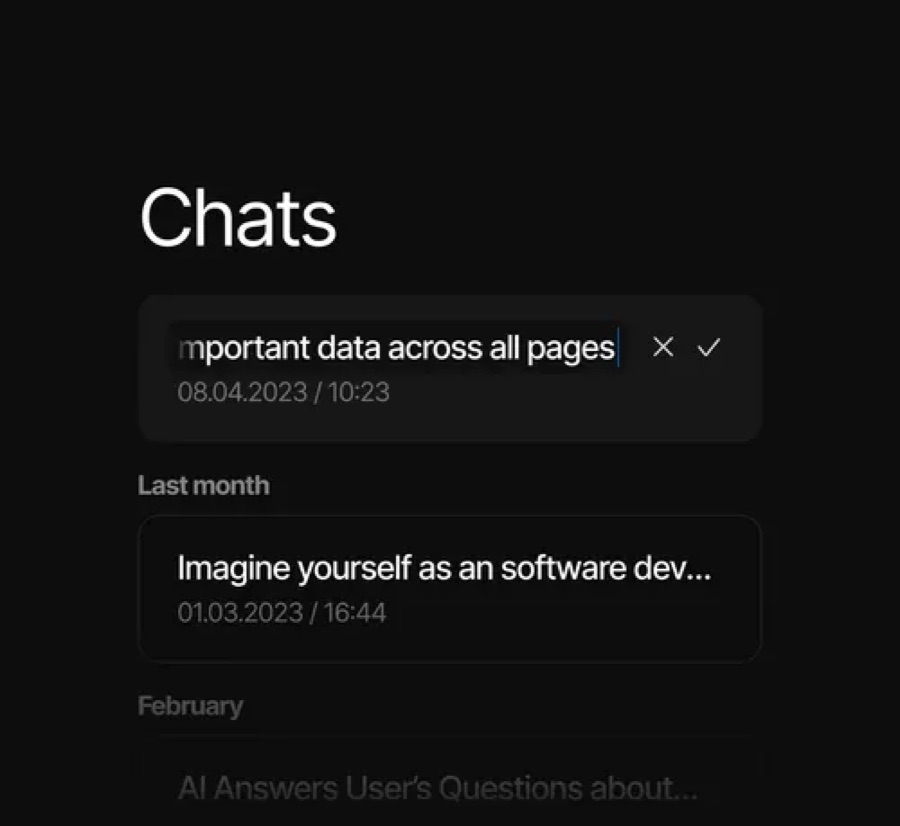
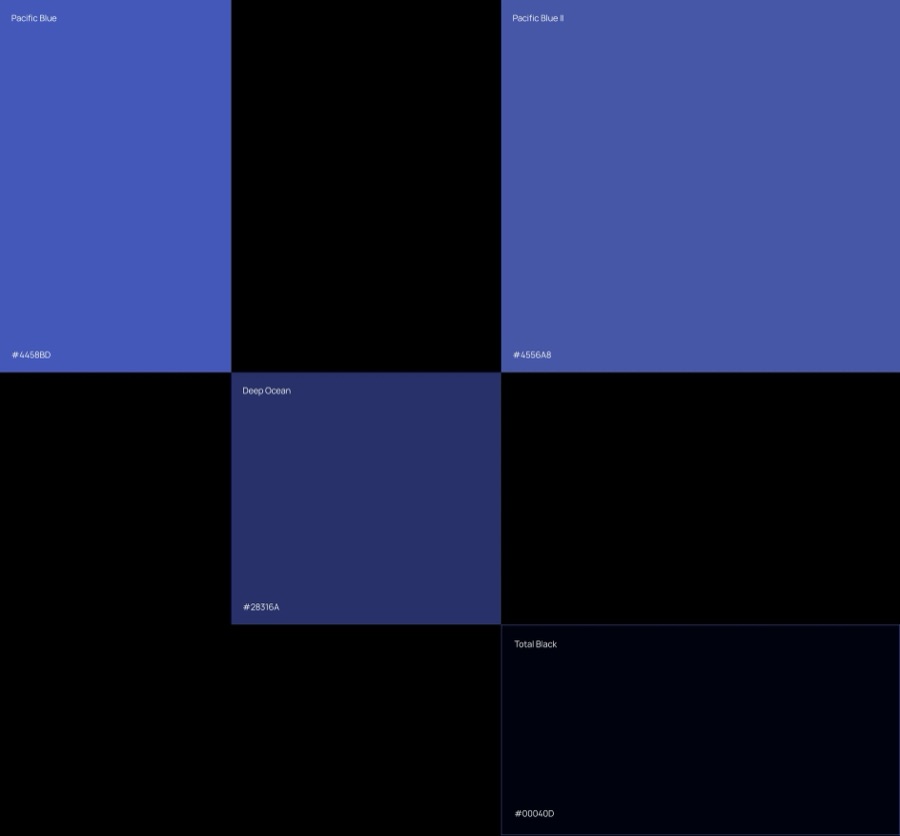
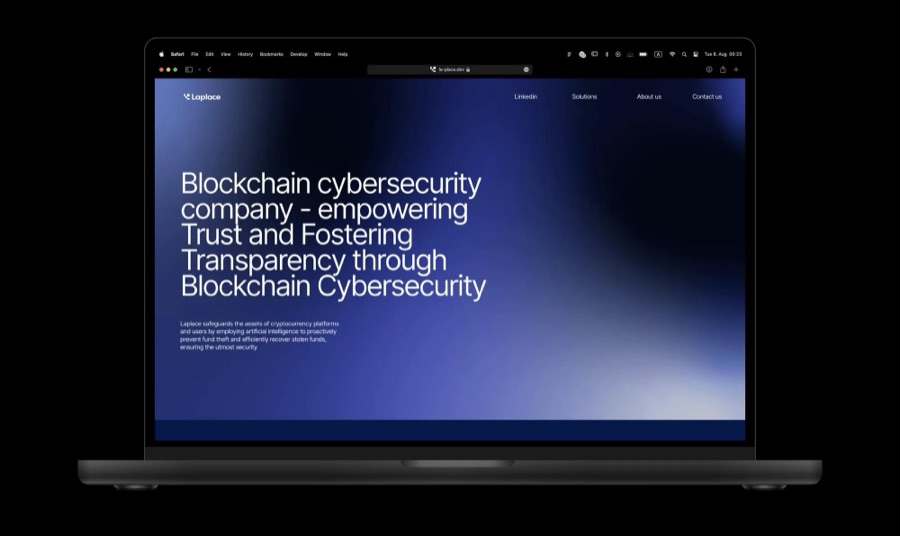
A hundred icons should feel like one idea, expressed a hundred different ways. The challenge is less about making individual images and more about keeping a visual language intact as the library grows.
Start with a system, not a prompt
Before generating anything, define what makes an icon belong. Silhouette, perspective, material, lighting, and the amount of detail all need a clear starting point. Without those decisions, a collection quickly becomes a folder of unrelated experiments.
A small reference set is more useful than a long description. Choose a few simple shapes, a few difficult ones, and a few that sit somewhere in between. Together, they give the direction enough range to be tested rather than simply admired.
Make room for exploration
AI is useful when the question is still open. It can suggest unexpected proportions, surface treatments, and combinations that would take longer to sketch one by one. At this stage, variation is the point.
The next step is editing. Keep the ideas that support the brand and discard the ones that only look impressive in isolation. A good direction should work for an ordinary utility icon just as well as it does for a hero image.
The goal is not a hundred interesting images. It is a hundred images that belong together.
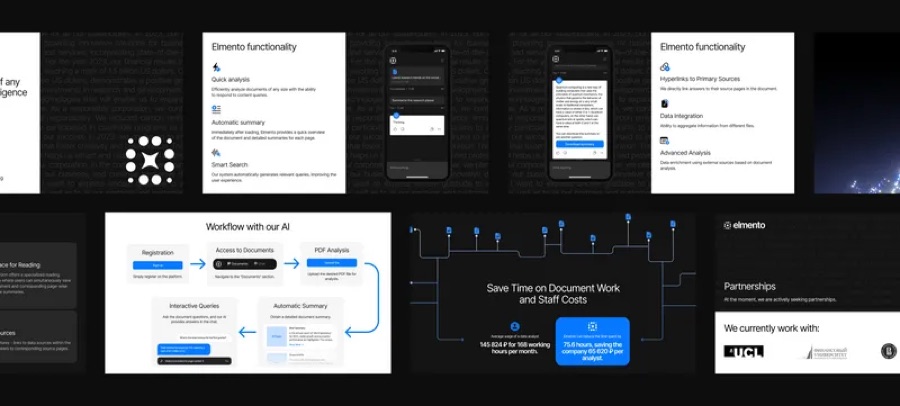
Build a repeatable workflow
Once the direction is clear, the process needs fewer surprises. Group similar subjects, keep the framing consistent, and review small batches side by side. It is much easier to catch a change in lighting or scale across six icons than across sixty.
Treat generation as one step in production. Shapes still need checking, edges need cleaning, and exports need to behave in the places where the work will actually be used. The final judgement happens in context, not in the generation tool.
- Set a shared frame, scale, and visual centre.
- Keep materials and lighting consistent across each batch.
- Check silhouettes at the smallest intended size.
- Name and organise files so the library stays easy to use.
Design the handoff, too
A useful library needs more than finished assets. It needs a simple explanation of how the pieces fit together: which backgrounds they work on, how much space they need, and what to do when a new subject is added.
Those small decisions make the difference between a one-off delivery and a system a team can keep using. AI can expand the range of possibilities, but a clear visual language is what makes the result feel intentional.